100 Easy Lessons
One original PDF page = one HTML page. Follow Steps 1–4, then press Next Page.
Listen & Speak
Follow the printed page below, in sequence. This PDF is scanned, so these scanned original pages are pictures and cannot be automatically narrated. Type one short line below to hear it spoken. The teacher may enter a word or short line for spoken practice. No earlier words are replayed automatically.
ONE TAP = ONE SOUND. Type one word or short sentence and tap Listen. It stops when finished. New selections cancel older speech; Listen Again repeats only when you tap it.
Recording works on HTTPS in supported browsers after microphone permission is granted. Recordings stay on this device unless you explicitly save/share them.
Original PDF Page 33 of 398
Exact source page image shown below. Zoom in on the page to read fine print. It is not a replacement for the original teacher's instructions.
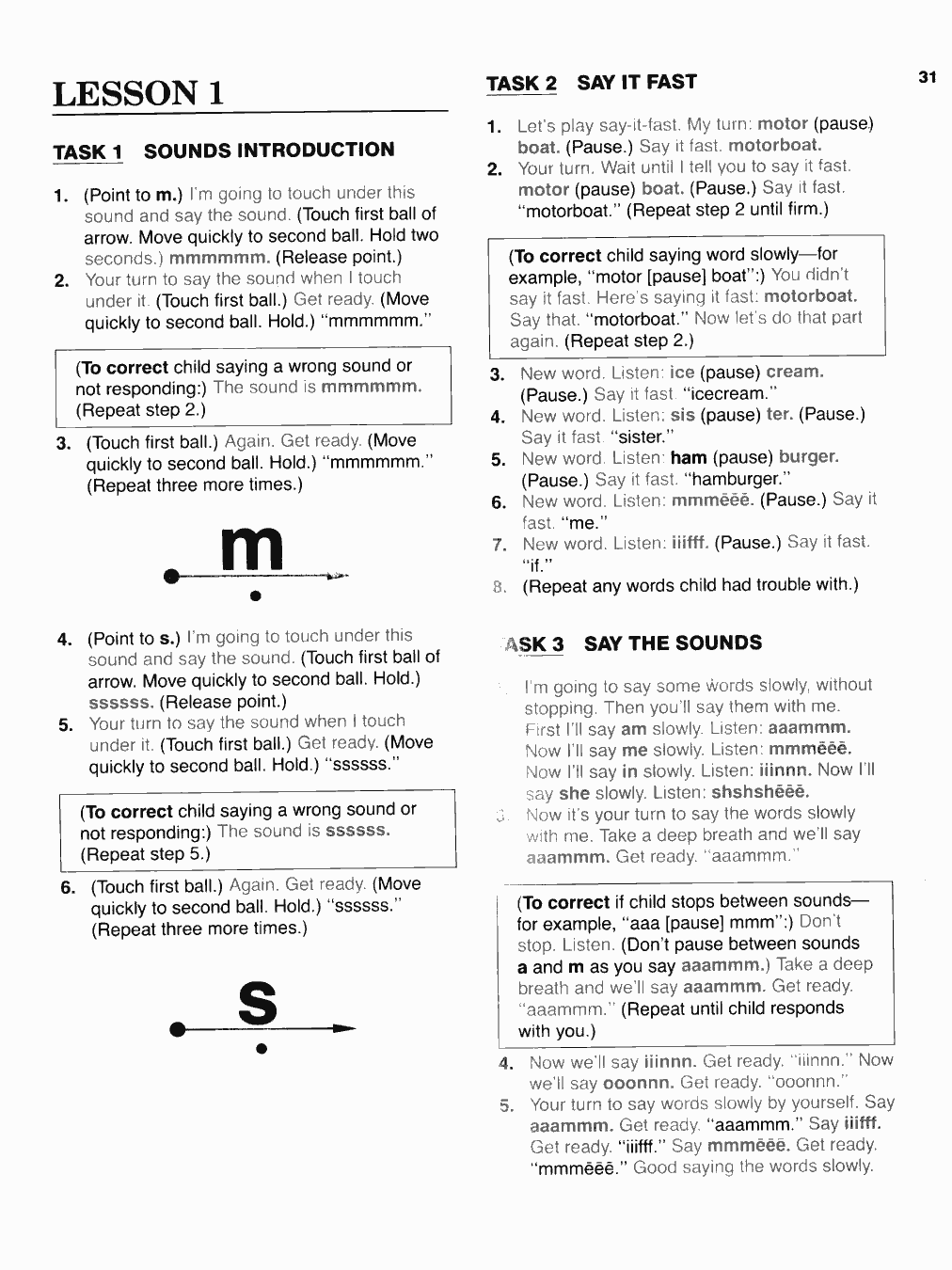
Read or practice this page. Mark it complete, then use the Next Page button.